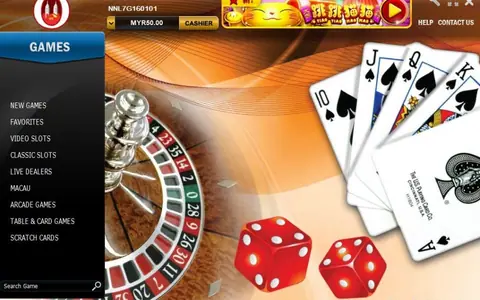
Getting the Joker123 app onto your iPhone or Android phone
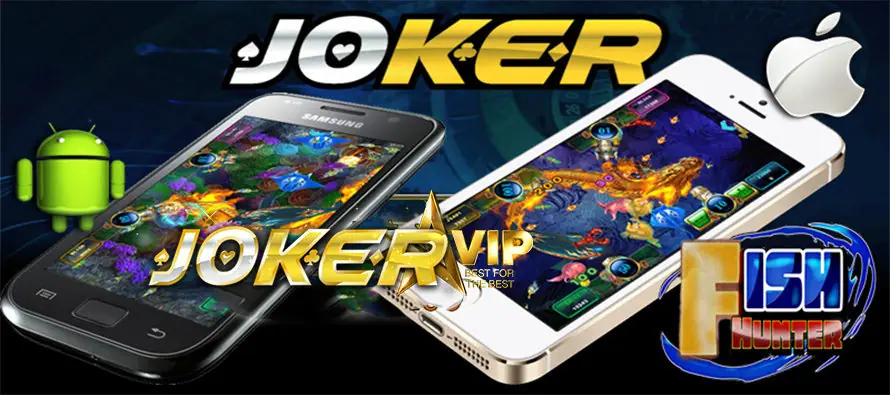
Joker123 comes as an iOS app and an Android APK. Here is how each install works, what the warnings mean and what to check before you log in.

Joker123 is a mobile casino app with slots and arcade-style fish shooting games. It is not listed in the App Store or Google Play, so you install it from a direct download instead. There are two builds: one for iPhone and one Android APK. Pick the one that matches your phone, then follow the steps below.
Installing Joker123 on an iPhone
- Open the download link in Safari, not inside a chat app's built-in browser.
- Accept the prompt to install. The icon appears on your home screen but will not open yet.
- Go to Settings, then General, then VPN & Device Management (Profiles on older iOS versions).
- Tap the developer profile that belongs to the app and choose Trust.
After that the app opens normally. If iOS updates later and the app stops launching, check whether the profile needs trusting again.
Installing the Joker123 APK on Android
Android blocks files from outside Google Play by default. When you open the APK, the phone will ask whether your browser or file manager may install unknown apps. Allow it for that one source, install, then switch the setting back off.
Look at what you downloaded before tapping install. The file should be a single APK with the platform's name, not a ZIP, not an "update" that asks for SMS or accessibility access. A slot app has no reason to read your messages. If Play Protect flags the file, stop and get a fresh copy from a source you trust.
First login and staying sensible
Log in with the ID and password you were given when your account was set up, and change the password if the app lets you. Keep the login to yourself.
Decide on a spending limit before you open the first game, and treat it as the cost of the evening's play. Slots are chance-based and the house keeps an edge, however the lobby is dressed up. Once you are in, browse our Joker123 game reviews for reel notes on individual titles.
When you are ready, get the Joker123 download link and pick your phone's version.
Quick answers
Which phones can run the Joker123 app?
The download page covers two versions: one for iPhone (iOS) and an APK file for Android phones.
Why does my iPhone say the Joker123 developer is untrusted?
The app is installed outside the App Store, so iOS asks you to trust its developer profile in Settings before it will open.