Installing the 3Win8 app on Android, Windows or iPhone
The 3Win8 app comes in Android, Windows and iPhone versions. What each install asks of you, and the quick checks that keep a fake file off your device.

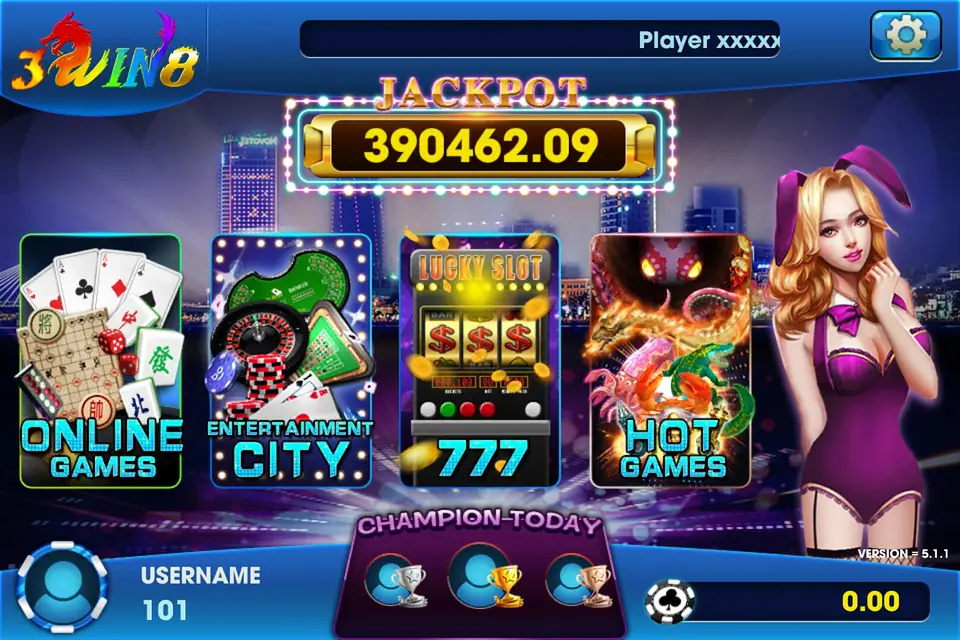
3Win8 is the app behind the games in our Mini Games section: a slot lobby that runs on Android phones, Windows PCs and iPhones. Each version installs from a direct download rather than an app store, so expect your device to ask a question or two along the way.
Android: allowing the 3Win8 APK
When you open the APK, Android stops and says installs from this source are not allowed. Tap through to Settings and let your browser or file manager install unknown apps. Go back, install, then turn the permission off again.
Before any of that, look at the file. You want one APK with the app's name. Leave alone anything that arrives inside a ZIP, calls itself a "patch" or "cheat", or asks for SMS, contacts or accessibility permissions. If Play Protect complains, delete it and find a trustworthy copy.
Windows: the PC version of 3Win8
The PC build suits longer sessions on a bigger screen. SmartScreen may show a blue "Windows protected your PC" box because the installer is unsigned by the Store. Run an antivirus scan first. If you trust the source, click "More info" and then "Run anyway".
iPhone: trusting the 3Win8 profile
Open the link in Safari and tap Install. The icon appears on the home screen, but iOS will not open it yet. Head to Settings, General, VPN & Device Management (Profiles on older iOS), tap the developer listed for the app and choose Trust. That is the only extra step.
Once you are in
Sign in with the ID and password issued for your account and change the password if you can. Decide what you are willing to spend before you open a game, and stop when it is gone. The house edge does not care which device you use.
Our 3Win8 app overview explains the lobby, and the 3Win8 Mini Games reviews have reel notes on individual titles. When you have picked your device, get the 3Win8 download link.
Quick answers
Which versions of the 3Win8 app are there?
There are three: an Android version, a Windows version for PCs and an iOS version for iPhone.
What should I do if my phone warns me about the 3Win8 file?
Stop and check the source. A warning from Play Protect or an app asking for SMS or accessibility access is a sign of a fake copy.